Graphics
Simple Usage Examples
Fill Circle
Basic Blue Circle
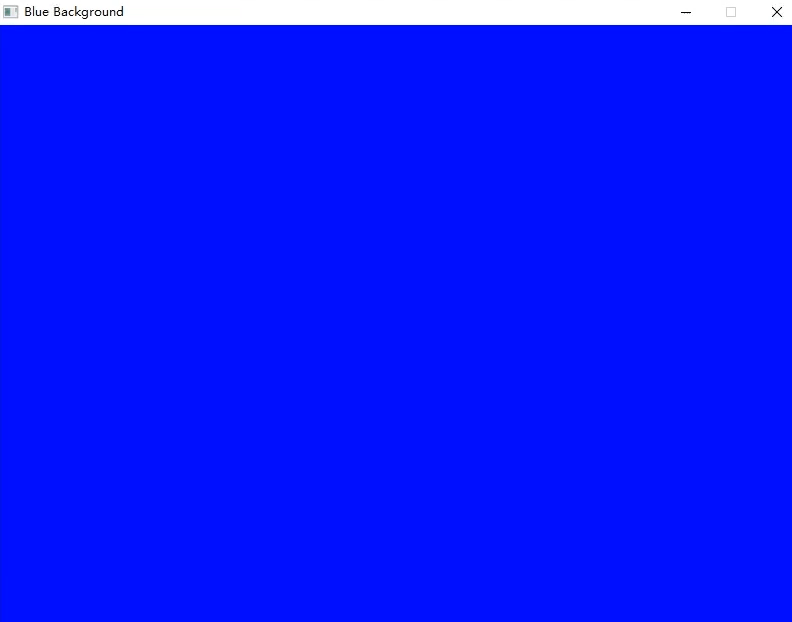
The following code shows examples of using Fill Circle to show how to draw a filled-in blue circle.
#include "splashkit.h"
int main(){    open_window("Fill Circle", 800, 600);
    clear_screen();    fill_circle(COLOR_BLUE, 300, 300, 200);    refresh_screen();
    delay(4000);
    close_all_windows();
    return 0;}
using static SplashKitSDK.SplashKit;
OpenWindow("Fill Circle", 800, 600);
ClearScreen();FillCircle(ColorBlue(), 300, 300, 200);RefreshScreen();
Delay(4000);
CloseAllWindows();Output:
Fill Ellipse
Basic Blue Ellipse
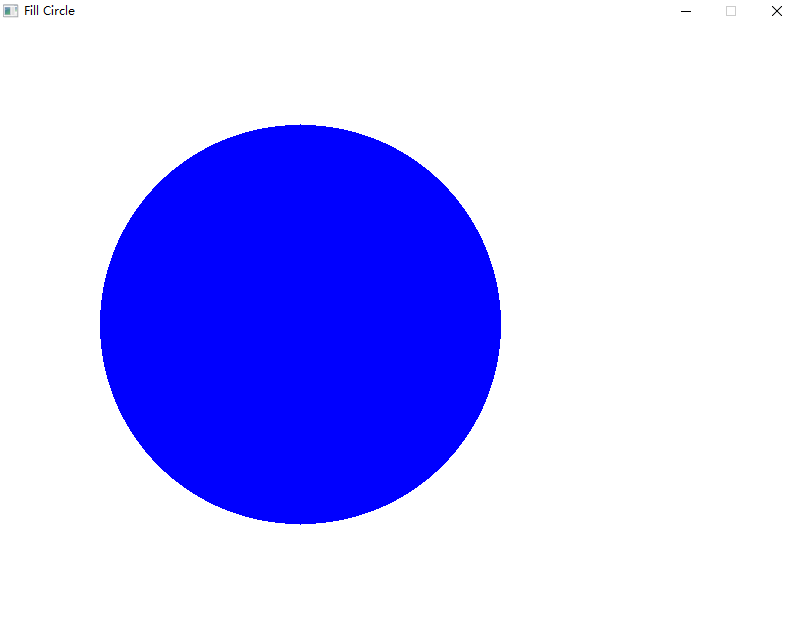
The following code shows examples of using Fill Ellipse to show how to draw a filled-in blue ellipse.
#include "splashkit.h"
int main(){    open_window("Fill Ellipse", 800, 600);
    clear_screen();    fill_ellipse(COLOR_BLUE, 200, 200, 400, 200);    // Added rectangle with same arguments as above for x, y, width and height    draw_rectangle(COLOR_RED, 200, 200, 400, 200);    refresh_screen();
    delay(4000);
    close_all_windows();
    return 0;}
using static SplashKitSDK.SplashKit;
OpenWindow("Fill Ellipse", 800, 600);
ClearScreen();FillEllipse(ColorBlue(), 200, 200, 400, 200);// Added rectangle with same arguments as above for x, y, width and heightDrawRectangle(ColorRed(), 200, 200, 400, 200);RefreshScreen();
Delay(4000);
CloseAllWindows();Output:
Clear Screen
Background Color
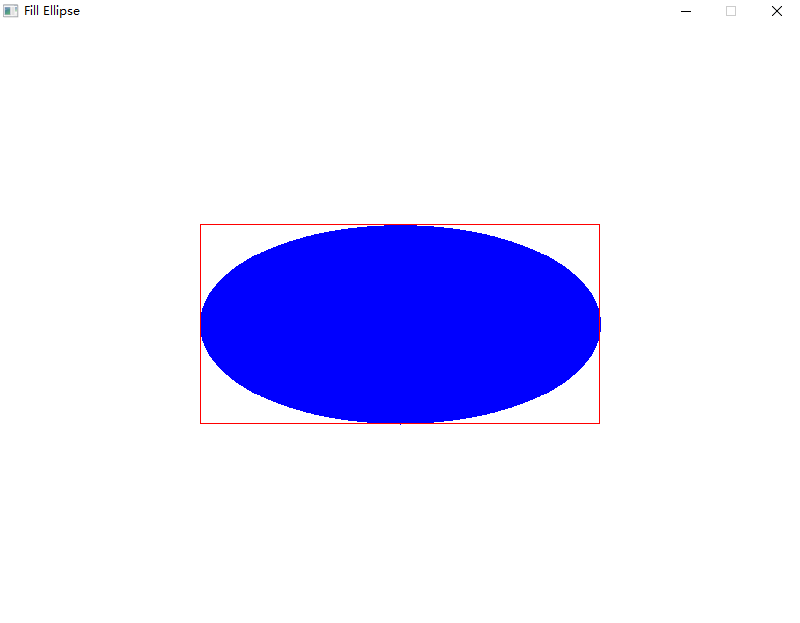
The following code shows an example of using Clear Screen to change the background color to blue.
#include "splashkit.h"
#include "splashkit.h"
int main(){    open_window("Blue Background", 800, 600);
    clear_screen(COLOR_BLUE);    refresh_screen(60);    delay(4000);
    close_all_windows();
    return 0;}
using static SplashKitSDK.SplashKit;
OpenWindow("Blue Background", 800, 600);
ClearScreen(ColorBlue());RefreshScreen(60);Delay(4000);
CloseAllWindows();Output:
Refresh Screen
House Drawing
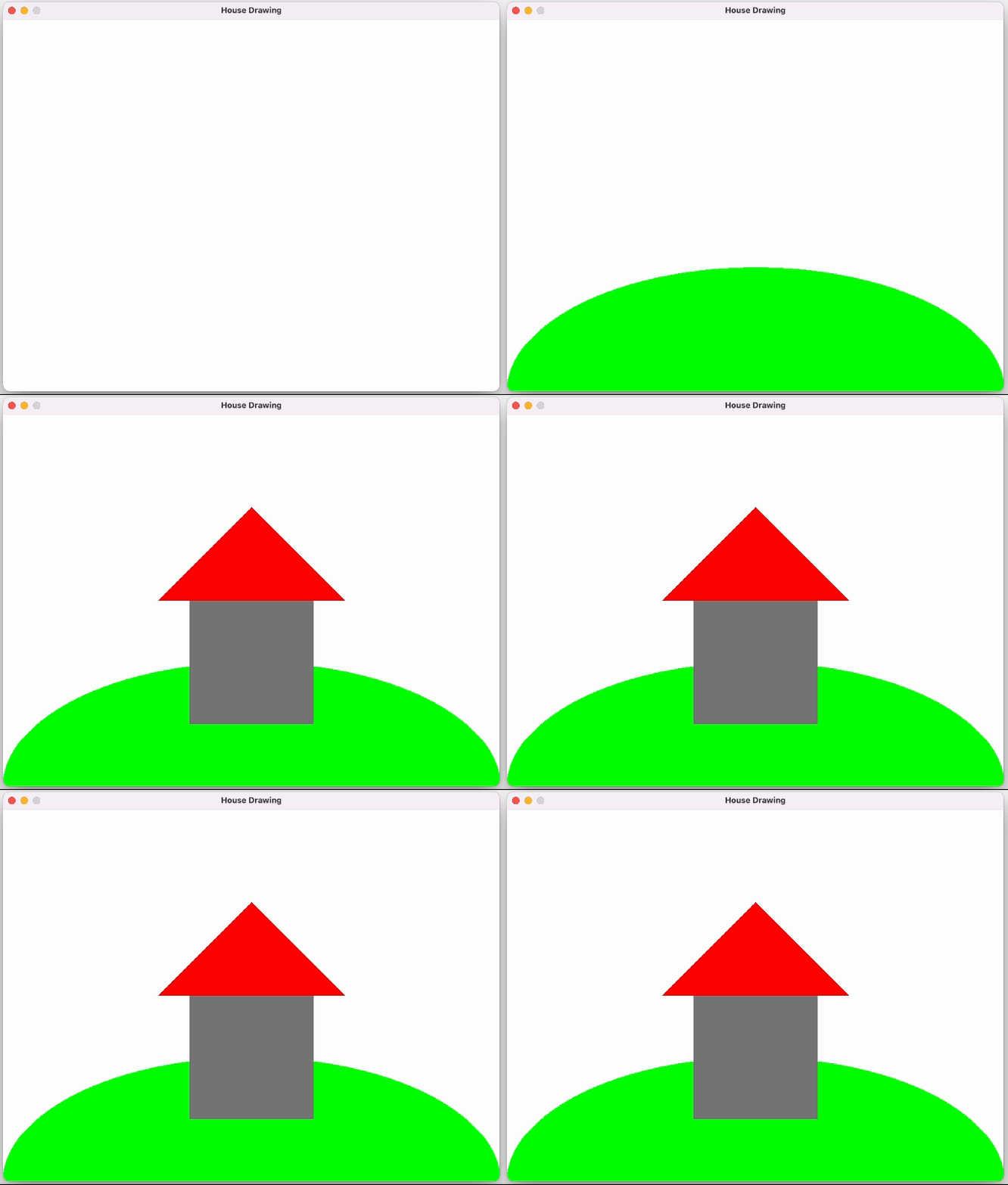
The following code shows examples of using Refresh Screen to show how double buffering works.
#include "splashkit.h"
int main(){    open_window("House Drawing", 800, 600);
    clear_screen(COLOR_WHITE);    refresh_screen();    delay(1000);
    fill_ellipse(COLOR_BRIGHT_GREEN, 0, 400, 800, 400);    refresh_screen();    delay(1000);
    fill_rectangle(COLOR_GRAY, 300, 300, 200, 200);    refresh_screen();    delay(1000);
    fill_triangle(COLOR_RED, 250, 300, 400, 150, 550, 300);    refresh_screen();    delay(5000);
    close_all_windows();
return 0;}using static SplashKitSDK.SplashKit;
OpenWindow("House Drawing", 800, 600);
ClearScreen(ColorWhite());RefreshScreen();Delay(1000);
FillEllipse(ColorBrightGreen(), 0, 400, 800, 400);RefreshScreen();Delay(1000);
FillRectangle(ColorGray(), 300, 300, 200, 200);RefreshScreen();Delay(1000);
FillTriangle(ColorRed(), 250, 300, 400, 150, 550, 300);RefreshScreen();Delay(5000);
CloseAllWindows();using SplashKitSDK;
namespace RefreshScreen{ public class Program { public static void Main() { SplashKit.OpenWindow("House Drawing", 800, 600);
SplashKit.ClearScreen(Color.White); SplashKit.RefreshScreen(); SplashKit.Delay(1000);
SplashKit.FillEllipse(Color.BrightGreen, 0, 400, 800, 400); SplashKit.RefreshScreen(); SplashKit.Delay(1000);
SplashKit.FillRectangle(Color.Gray, 300, 300, 200, 200); SplashKit.RefreshScreen(); SplashKit.Delay(1000);
SplashKit.FillTriangle(Color.Red, 250, 300, 400, 150, 550, 300); SplashKit.RefreshScreen(); SplashKit.Delay(5000);
SplashKit.CloseAllWindows(); } }}from splashkit import *
open_window("House Drawing", 800, 600)
clear_screen(color_white())refresh_screen()delay(1000)
fill_ellipse(color_bright_green(), 0, 400, 800, 400)refresh_screen()delay(1000)
fill_rectangle(color_gray(), 300, 300, 200, 200)refresh_screen()delay(1000)
fill_triangle(color_red(), 250, 300, 400, 150, 550, 300)refresh_screen()delay(5000)
close_all_windows()Output:
Draw Bitmap Named
Basic Bitmap Drawing
The following code shows an example of using Draw Bitmap to display a Bitmap image of the SplashKit logo in a graphics Window.
#include "splashkit.h"
int main(){    open_window("Basic Bitmap Drawing", 315, 330);
    load_bitmap("skbox", "skbox.png"); // Load bitmap image
    while (!quit_requested())    {        process_events();
        clear_screen(rgb_color(67, 80, 175));        draw_bitmap("skbox", 50, 50); // draw bitmap image        refresh_screen();    }    close_all_windows();
return 0;}using static SplashKitSDK.SplashKit;
OpenWindow("Basic Bitmap Drawing", 315, 330);
LoadBitmap("skbox", "skbox.png"); // Load bitmap image
while (!QuitRequested()){ ProcessEvents();
ClearScreen(RGBColor(67, 80, 175)); DrawBitmap("skbox", 50, 50); // draw bitmap image RefreshScreen();}CloseAllWindows();using SplashKitSDK;
namespace DrawBitmapNamed{ public class Program { public static void Main() {
Window window = new Window("Basic Bitmap Drawing", 315, 330);
SplashKit.LoadBitmap("skbox", "skbox.png"); // Load bitmap image
while (!window.CloseRequested) { SplashKit.ProcessEvents();
SplashKit.ClearScreen(Color.RGBColor(67, 80, 175)); SplashKit.DrawBitmap("skbox", 50, 50); // draw bitmap image SplashKit.RefreshScreen(); } SplashKit.CloseAllWindows(); } }}from splashkit import *
open_window("Basic Bitmap Drawing", 315, 330)
load_bitmap("skbox", "skbox.png") # Load bitmap image
while (not quit_requested()): process_events()
clear_screen(rgb_color(67, 80, 175)) draw_bitmap_named("skbox", 50, 50); # draw bitmap image refresh_screen()close_all_windows()Output:

Fill Rectangle
Basic Blue Rectangle
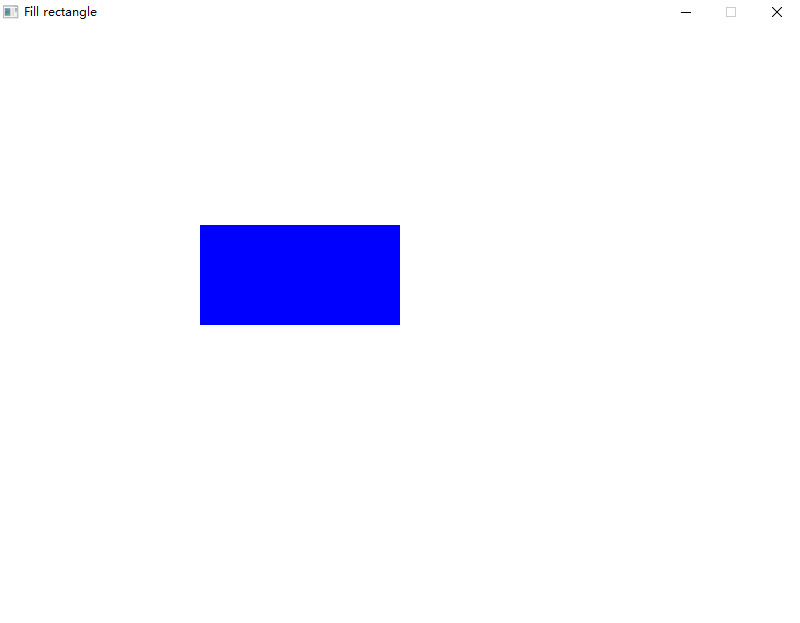
The following code shows examples of using Fill Rectangle to show how to draw a filled-in blue rectangle.
#include "splashkit.h"
int main(){    open_window("Fill rectangle", 800, 600);
    clear_screen();    fill_rectangle(COLOR_BLUE, 200, 200, 200, 100);    refresh_screen();
    delay(4000);
    close_all_windows();
    return 0;}
using static SplashKitSDK.SplashKit;
OpenWindow("Fill rectangle", 800, 600);
ClearScreen();FillRectangle(ColorBlue(), 200, 200, 200, 100);RefreshScreen();
Delay(4000);
CloseAllWindows();Output:
Fill Triangle
Basic Red Triangle
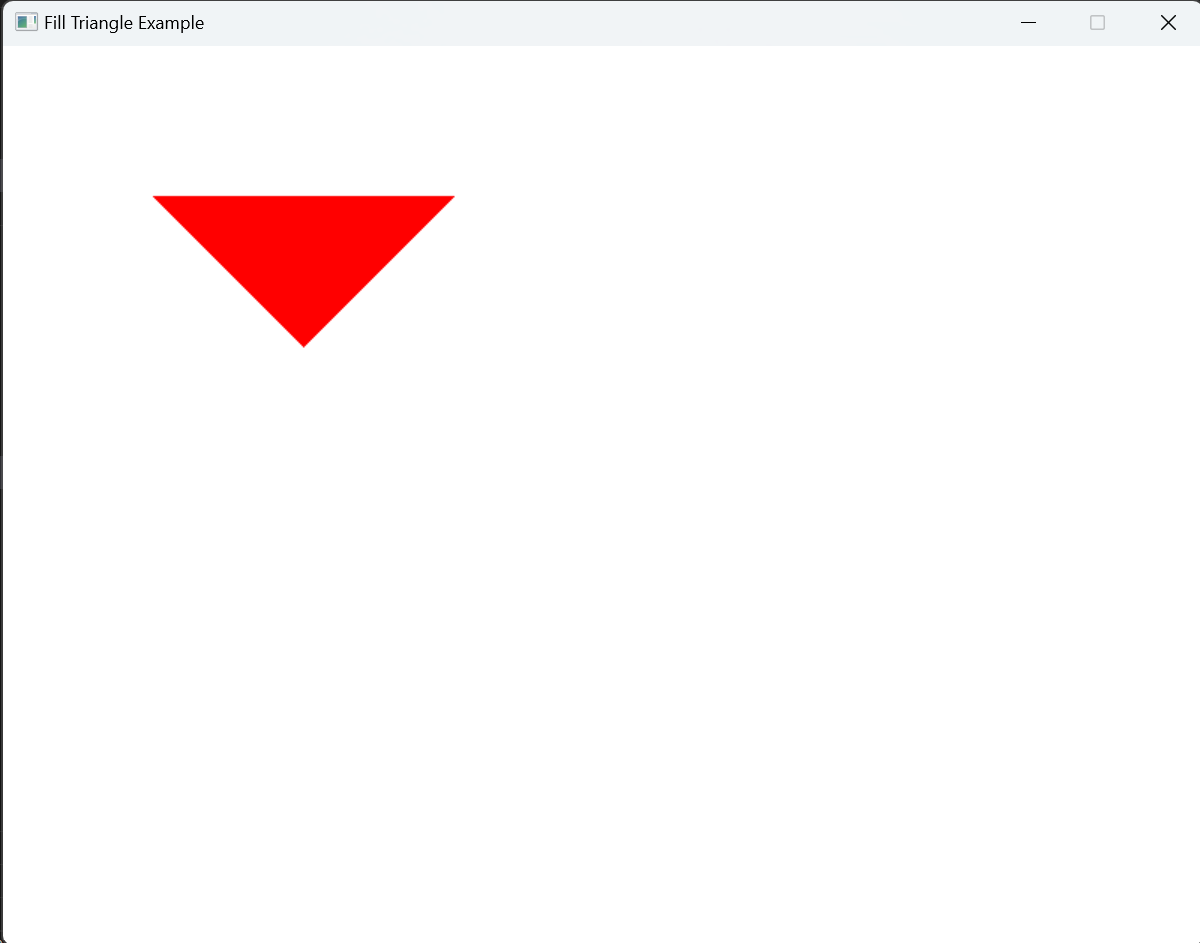
The following code demonstrates how to use the Fill Triangle function to draw a simple red-colored filled triangle. It creates a triangle with specified coordinates and fills it with red color.
#include "splashkit.h"
int main(){    open_window("Fill triangle Example", 800, 600);    clear_screen();
    fill_triangle(COLOR_RED, 100, 100, 200, 200, 300, 100);    refresh_screen();
    delay(5000);    close_all_windows();
    return 0;}
using SplashKitSDK;using static SplashKitSDK.SplashKit;
OpenWindow("Fill Triangle Example", 800, 600);ClearScreen();
FillTriangle(ColorRed(), 100, 100, 200, 200, 300, 100);RefreshScreen();
Delay(5000);CloseAllWindows();Output:
Fill Triangle On Bitmap
Hooray! A Red Hat
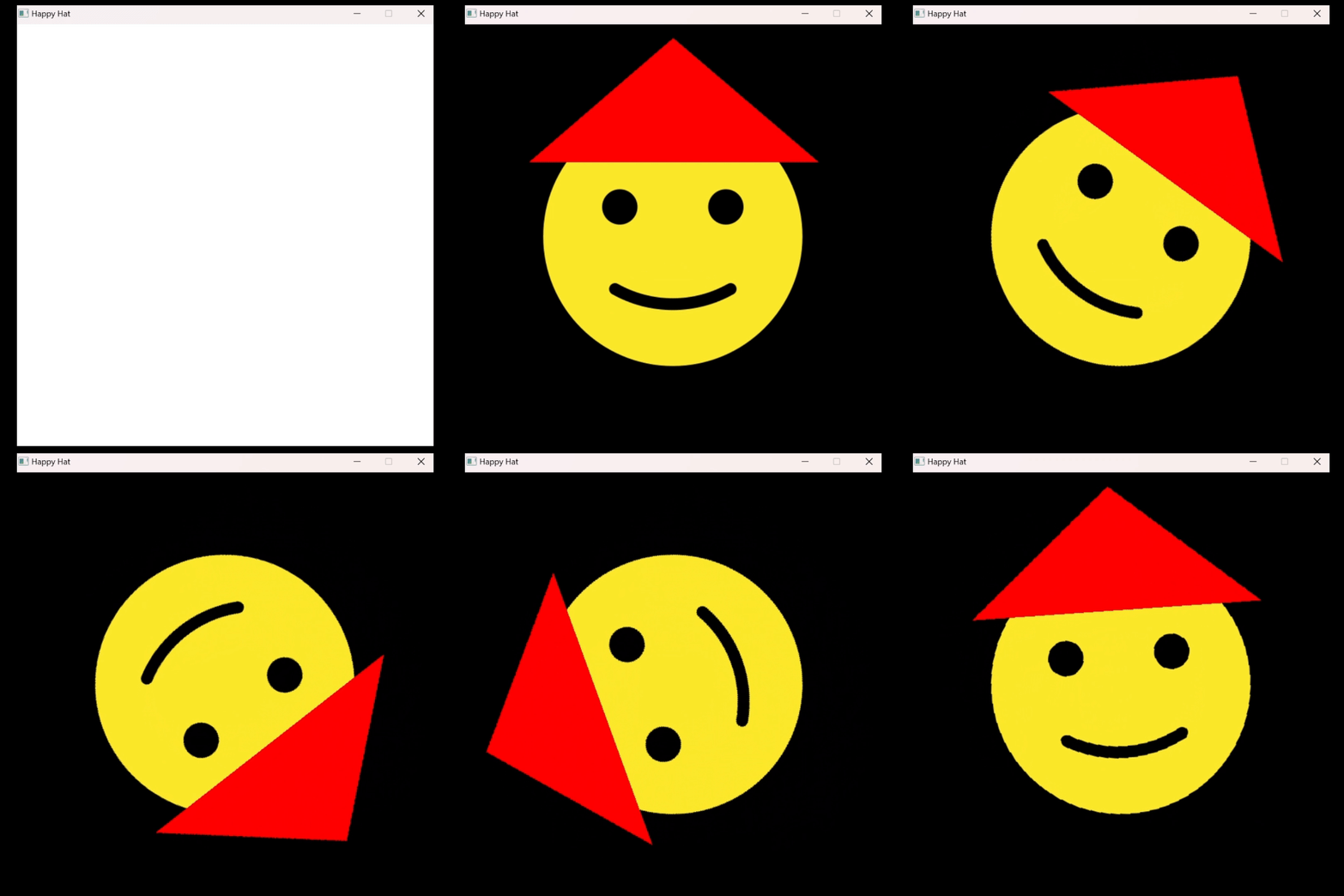
The following code shows an example of using the Fill Triangle On Bitmap function to draw a red triangle on a loaded bitmap.
#include "splashkit.h"
int main(){    // Open a window    open_window("Happy Hat", 618, 618);
    // Load the bitmaps for sad and smiling emojis (https://openmoji.org/library/#group=smileys-emotion)    bitmap sad_emoji = load_bitmap("sad_emoji", "sad_emoji.png");    bitmap smiling_emoji = load_bitmap("smiling_emoji", "smiling_emoji.png");
    // Draw the sad emoji and add a hat    clear_screen(COLOR_BLACK);    draw_bitmap(sad_emoji, 0, 0);    refresh_screen();    delay(1000);
    // Draw a triangle hat on the smiling emoji    fill_triangle_on_bitmap(smiling_emoji, COLOR_RED, 100, 200, 309, 20, 520, 200);
    // Clear screen and switch to the smiling emoji    clear_screen(COLOR_BLACK);    draw_bitmap(smiling_emoji, 0, 0);    refresh_screen();    delay(1000);
    // Spin the smiling emoji with the hat    for (int i = 0; i < 360; i++)    {        clear_screen(COLOR_BLACK);        draw_bitmap(smiling_emoji, 0, 0, option_rotate_bmp(i));        refresh_screen();        delay(10);    }
    // Free the bitmap resource    free_all_bitmaps();    // Close all windows    close_all_windows();
    return 0;}
using SplashKitSDK;using static SplashKitSDK.SplashKit;
// Open a windowOpenWindow("Happy Hat", 618, 618);
// Load the bitmaps for sad and smiling emojisBitmap sadEmoji = LoadBitmap("sad_emoji", "sad_emoji.png");Bitmap smilingEmoji = LoadBitmap("smiling_emoji", "smiling_emoji.png");
// Draw the sad emoji and add a hatClearScreen(ColorBlack());DrawBitmap(sadEmoji, 0, 0);RefreshScreen();Delay(1000);
// Draw a triangle hat on the smiling emojiFillTriangleOnBitmap(smilingEmoji, ColorRed(), 100, 200, 309, 20, 520, 200);
// Clear screen and switch to the smiling emojiClearScreen(ColorBlack());DrawBitmap(smilingEmoji, 0, 0);RefreshScreen();Delay(1000);
// Spin the smiling emoji with the hatfor (int i = 0; i < 360; i++){ ClearScreen(ColorBlack()); DrawBitmap(smilingEmoji, 0, 0, OptionRotateBmp(i)); RefreshScreen(); Delay(10);}
// Free the bitmap resourceFreeAllBitmaps();// Close all windowsCloseAllWindows();Output: